
A modern office needs more than stylish furniture, comfortable workstations, and smart technology. It also needs the right balance of natural light, privacy, and comfort to create a distraction-free workspace.
Imagine trying to focus on an important task while sunlight reflects directly onto your computer screen. Or try to run a meeting in a room that feels too bright and uncomfortable. These everyday situations highlight why choosing the right window blinds and curtains matters more than we often realise.
With smart and motorised window treatments, managing sunlight and privacy has become easier than ever. But how do you choose the right solution for different areas of your office? Let’s explore the important factors that can help you plan a smarter, more comfortable workspace.
Benefits of Window Blinds and Curtains in Smart Office
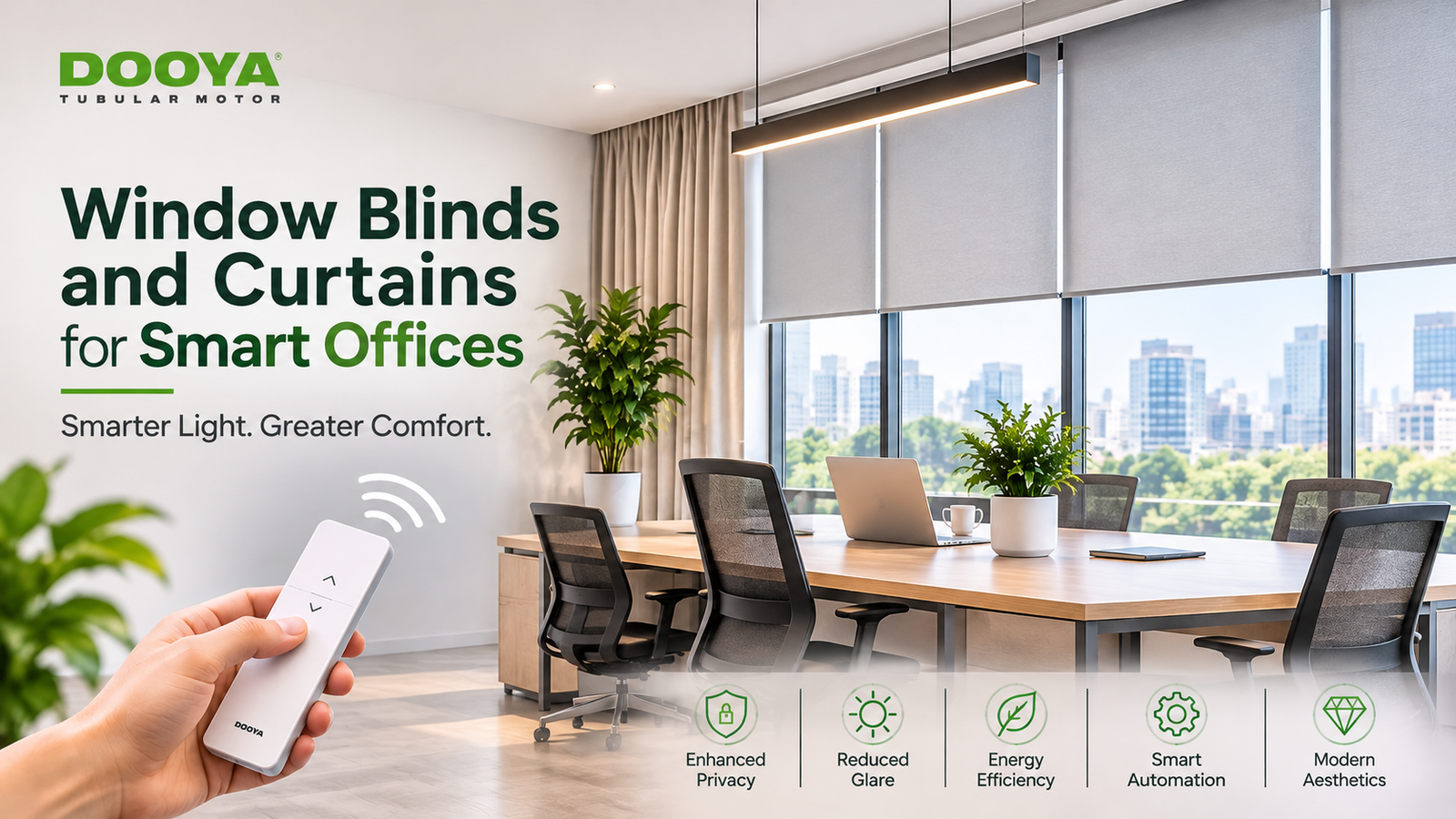
Enhanced Privacy: Maintain the required level of privacy across workstations, meeting rooms, and executive cabins.
Reduced Glare: Control harsh sunlight and screen reflections for a more comfortable working environment.
Better Energy Efficiency: Manage solar heat gain and support efficient indoor temperature control.
Easy Automation: Operate motorised window blinds and curtains through compatible remote controls, scheduled settings, or integrated automation systems.
Improved Aesthetics: Complement modern office interiors with window treatments that offer a neat, professional appearance.
Factors to Consider When Choosing Office Window Treatments
Before finalising office window blinds and curtains, consider these essential factors to ensure the right balance of comfort, functionality, and convenience.
Window Size: Measure window dimensions accurately and consider the available mounting space to ensure a proper fit.
Sunlight Exposure: Assess the direction and intensity of sunlight to choose suitable light-filtering or blackout options
Fabric Selection: Select fabrics based on glare control, privacy requirements, durability, and ease of maintenance.
Motor Requirements: Check the weight and size of the window coverings to select compatible motors and suitable control systems.
Office Layout: Consider how different areas are used, as workstations, meeting rooms, and reception spaces may require different solutions.
Planning Window Treatments for Different Office Areas
For Workstations: Choose light-filtering blinds that help reduce glare on computer screens without blocking natural light completely. Motorised roller blinds can be especially useful for managing multiple windows across open-plan offices.
For Meeting Rooms: Consider blackout roller blinds for spaces used for presentations or video calls. Motorised curtains can also be a practical choice when you need convenient privacy and light control.
For Reception Areas: Focus on window treatments that complement the overall office design. Roller blinds offer a clean, minimal appearance, while curtains can make larger reception spaces feel more welcoming.
For Executive Cabins: A combination of blinds and curtains can provide greater flexibility. Blinds help manage daylight during working hours, while curtains offer additional privacy and a refined interior finish.
Blinds vs. Curtains for Offices
| Factors | Blinds | Curtains |
| Light Control | Adjustable and precise | Depends on fabric thickness and opacity |
| Maintenance | Generally simple to clean | May need periodic washing |
| Appearance | Modern and minimal | Elegant and decorative |
| Space | Compact design | Requires more installation space |
| Suitable Areas | Workstations and meeting rooms | Reception areas and executive cabins |
Combining blinds and curtains offers the flexibility to manage daylight, privacy, and aesthetics according to different office requirements. This is particularly useful in spaces where lighting needs to change throughout the day.
Smart Features of Motorised Window Treatments
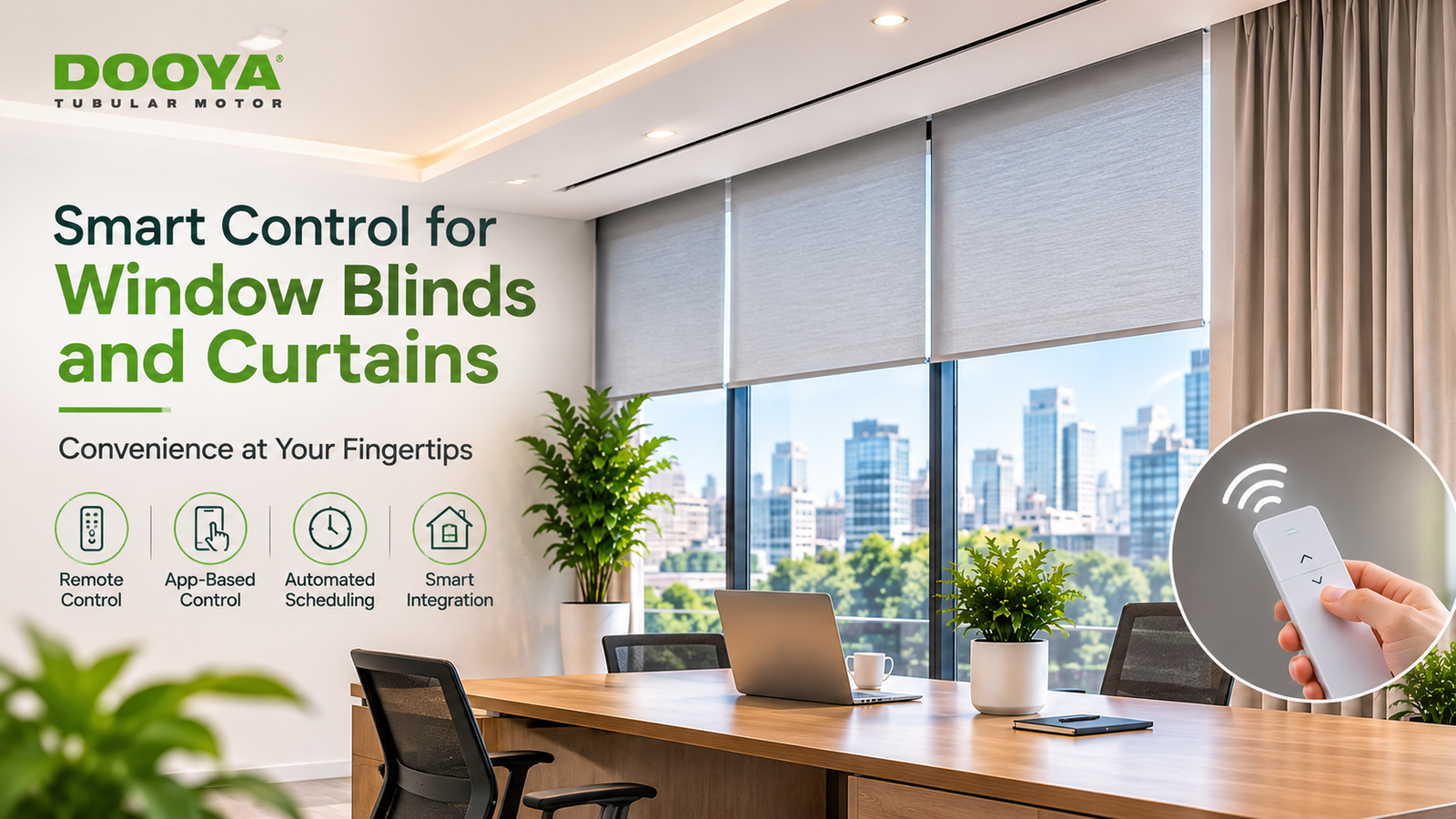
Remote Operation: Control blinds and curtains conveniently through compatible remotes or wall switches.
App-Based Control: Manage supported motorised window treatments using a smartphone.
Automated Scheduling: Set opening and closing times according to office routines and daylight requirements.
Group Control: Operate multiple window coverings simultaneously for greater convenience.
Sensor-Based Automation: Use compatible sunlight sensors to adjust blinds based on changing daylight conditions.
Building System Integration: Connect supported motors and controllers with compatible office automation systems for coordinated operation.
Installation Planning and Common Mistakes
Incorrect Measurements: Measure windows and mounting spaces accurately to ensure a proper fit.
Poor Electrical Planning: Arrange suitable power points and wiring for motorised systems in advance.
Unsuitable Fabric Selection: Choose fabrics based on sunlight, privacy, and maintenance requirements rather than appearance alone.
Motor Mismatch: Ensure the selected motor supports the size, weight, and type of blind or curtain.
Limited Maintenance Access: Keep motors and other essential components accessible for future servicing.
Explore Dooya’s Motorised Office Solutions
Dooya offers a range of motorised solutions designed to make everyday window management easier. From tubular motors for roller blinds to smart curtain motors, its product range caters to different window sizes, operating requirements, and automation preferences.
With compatible remote controls, smart control options, and automation accessories, Dooya solutions can help businesses manage window coverings more conveniently across workstations, meeting rooms, and reception areas.
Conclusion
The right window treatments can make a noticeable difference in how an office looks, feels, and functions. By considering window dimensions, lighting requirements, fabric choices, and motor compatibility, you can select window blinds and curtains that suit the needs of your workspace.
And with Dooya’s motorised solutions, you can bring greater convenience to everyday light and privacy management, making your office smarter and easier to manage.
Frequently Asked Questions
1What are the benefits of window blinds and curtains in a smart office?
Window blinds and curtains help control natural light, reduce screen glare, improve privacy, and create a comfortable working environment.
2.Which window treatments are best for office workstations?
Light-filtering roller blinds are suitable for workstations as they reduce harsh sunlight while allowing natural light into the office.
3.Are motorised window blinds and curtains suitable for meeting rooms?
Yes, motorised blinds and curtains make it easier to manage light and privacy during presentations, meetings, and video calls.
4.What factors should be considered when choosing motorised office window treatments?
Consider window size, sunlight exposure, fabric type, motor compatibility, power requirements, and office layout before selecting a system.