


Motorised window blinds are meant to make life easier. One tap, one command and your space adjusts instantly. That’s the idea, right?
But when your blinds take forever to respond or worse, don’t respond at all, it quickly takes away from the experience. Most people assume it’s a Wi-Fi issue: weak signal, bad network, maybe even the app.
But the real story often begins during installation.
Where and how your window blinds are installed can directly affect how well they connect and perform. And sometimes, the smallest installation decisions can lead to the biggest connectivity problems.
Let’s break down where things can go wrong and how to get it right from the start.
How Motorised Window Blinds Connect to WiFi
To really understand where things can go wrong, it helps to first know how motorised window blinds actually connect in the first place. Motorised window blinds work on a simple idea, that is wireless communication.
When you use an app or voice command, the signal travels through your WiFi network to the motor inside the blinds. The motor receives it and responds instantly. Some systems connect directly to WiFi, while others use a smart hub to create a more stable link between your blinds and the network.
But here’s the key: this connection is only as strong as the environment around it. Weak signals, interference, or poor placement can interrupt this flow, causing delays or disconnections.
That’s why understanding this connection flow is important. Because once you see how your window blinds “talk” to your WiFi, it becomes much easier to spot what might be interrupting that conversation.
Why Proper Installation of Window Blinds Matters for WiFi Performance
Motorised window blinds are designed to feel effortless, but that experience depends on something you don’t see: a stable, uninterrupted connection. Let’s break down the most common installation mistakes that can interfere with performance.
Installing Window Blinds Too Far from the WiFi Router
Distance plays a bigger role than most people realise. When blinds are installed far from the router, the signal has to travel further and through multiple barriers. This often shows up as delayed responses or commands that don’t go through at all.
Using Metal Components That Interfere with WiFi Signals
Metal and WiFi don’t get along well. If your window blinds setup includes heavy metal components like headrails, brackets, or nearby structural elements, they can reflect or block signals. Instead of reaching the motor cleanly, the signal gets scattered or weakened.
Poor Placement of the Motor Unit
The motor is often placed with only aesthetics in mind. When the motor of your window blinds is tucked into tight corners, enclosed within fittings, or hidden behind dense materials, it struggles to “hear” the WiFi signal clearly. This can lead to patchy connectivity, even if your network itself is strong.
Installing Window Blinds Near Other Electronic Devices
Modern homes are filled with electronics, all competing within the same signal space. Placing window blinds too close to devices like TVs, routers, or speakers can create interference. These overlaps can disrupt communication, causing random delays or sudden disconnections.
Blocking the Signal with Window Structures or Materials
Sometimes, the challenge lies in the window itself. Thick walls, coated glass, wooden panels, or layered structures around your window blinds can weaken WiFi signals before they even reach the motor. In such cases, the blinds aren’t the problem; the environment around them is.
Skipping a Required Smart Hub During Installation
Not all systems are built for direct WiFi control. Some motorised window blinds rely on a smart hub to function smoothly. Skipping this step, either to simplify installation or cut costs, can lead to unstable connections and limited control.
Incorrect Power Supply or Wiring Installation
WiFi issues aren’t always about signals; they can stem from power problems, too. If your window blinds aren’t receiving consistent power due to poor wiring or incorrect installation, the motor may disconnect, restart, or fail to respond. It can feel like a network issue, but the root cause lies in the electrical setup.
Ignoring Firmware Updates During Initial Setup
The final step is often the most overlooked. During installation, many skip firmware updates, assuming everything will work out of the box. But outdated firmware in your window blinds can lead to compatibility issues, bugs, or connectivity glitches. A simple update ensures the system is fully optimised to communicate with your WiFi.
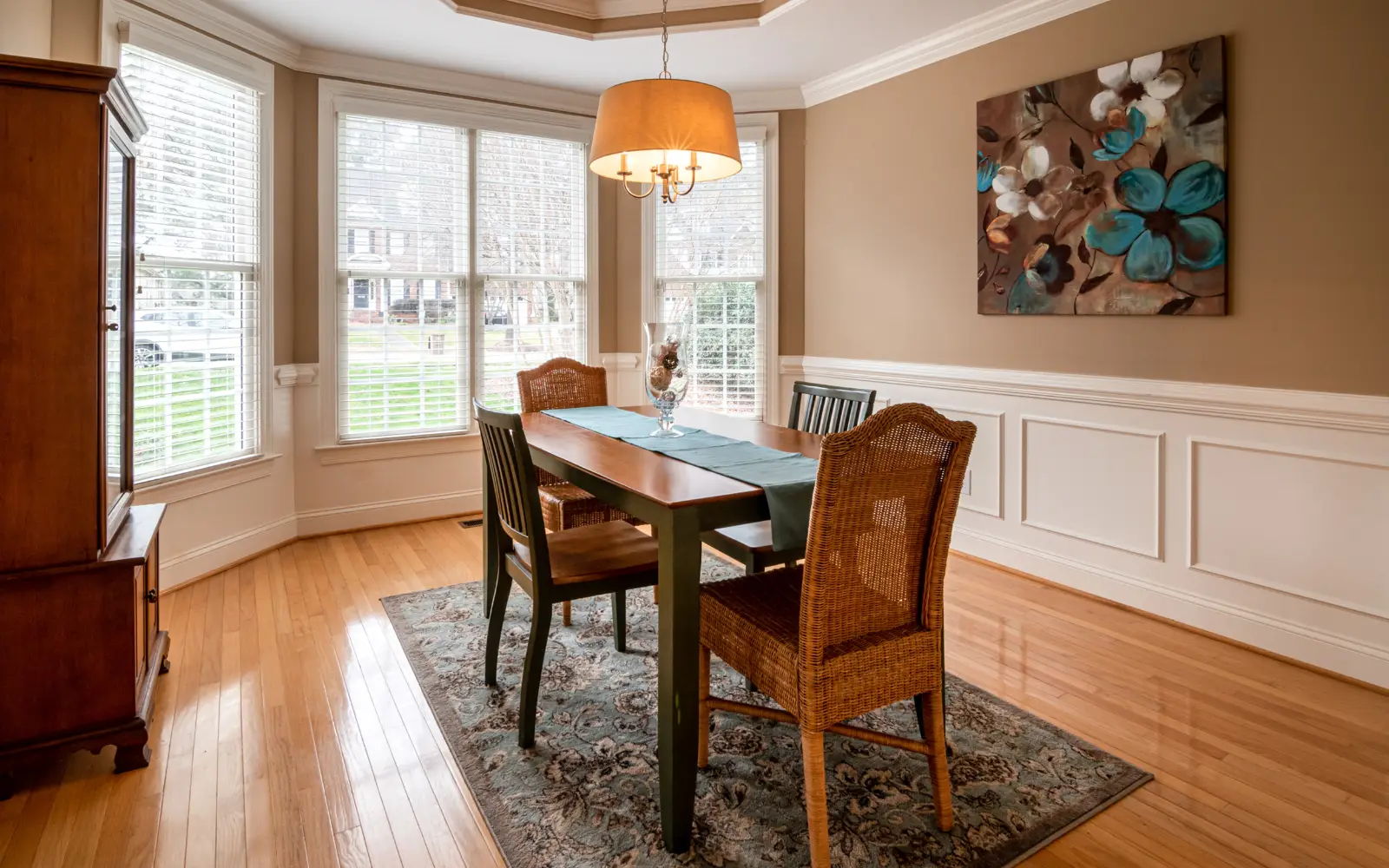
How to Test WiFi Strength Before Installing Window Blinds
Before installing your motorised window blinds, it’s worth taking a few minutes to check your WiFi strength exactly where they’ll be placed. This simple step can save you from connectivity issues later.
Start by standing near the window where the blinds will be installed. Use your smartphone and check the WiFi signal. If you see full or at least two to three bars consistently, you’re in a good spot. For a more accurate reading, you can also use a WiFi analyser app that shows signal strength in detail.
Try this at different times of the day. Sometimes networks perform differently depending on usage, and you want your window blinds to work smoothly at all times, not just when the network is quiet.
If the signal feels weak or inconsistent, it’s a sign to make adjustments before installation. You can move your router slightly, add a WiFi extender, or consider a mesh system for better coverage across your space.
Think of it as setting the foundation. When your WiFi is strong at the installation point, your window blinds are far more likely to respond quickly, stay connected, and deliver the seamless experience they’re meant to.
Tips for Installing Window Blinds Without Causing WiFi Problems
The goal isn’t just to install motorised blinds, but to ensure they work smoothly, every single time you use them. A few thoughtful steps during setup can save you from constant troubleshooting later.
Here’s how to get it right from the start:
Check WiFi Strength Before Finalising the Spot
Before installing your window blinds, stand near the window and test your WiFi signal. If the connection feels weak on your phone, your blinds will likely face the same issue.
Keep the Motor Within a Clear Signal Path
The motor is where all communication happens, so it needs a clean connection. Avoid placing your window blinds motor inside tight enclosures or behind dense materials.
Maintain Distance from Signal Interference
Try not to install window blinds too close to large electronic devices or heavy metal structures. These can interfere with WiFi signals and affect performance.
Use the Right Connectivity Setup
If your system recommends a smart hub, don’t skip it. For many window blinds, a hub ensures a more stable and consistent connection, especially in larger spaces or multi-device setups.
Complete Setup Properly
Once installed, make sure everything is set up correctly. Check the power supply, complete the pairing process, and don’t ignore firmware updates.
FAQ’s
Q1. Do motorised window blinds slow down my home WiFi?
Not really. They use minimal bandwidth. If anything feels slow, it’s usually a signal or placement issue.
Q2. Can I control my window blinds when the internet is down?
In most cases, app control won’t work without the internet. But many systems still allow manual control or remote operation via a dedicated remote.
Q3. How many window blinds can connect to one WiFi network?
You can connect multiple blinds, but performance depends on your router’s capacity.
Q4. Will changing my router affect my window blinds setup?
Yes, you’ll likely need to reconnect your blinds to the new network.
Q5. Can I schedule my window blinds to work automatically?
Absolutely. Most motorised blinds allow scheduling through apps.
Conclusion
Motorised window blinds are meant to simplify your everyday life, quietly adjusting light, enhancing comfort, and blending seamlessly into your smart home routine. When everything works as it should, you don’t even think about the technology behind it. But as we’ve seen, that seamless experience doesn’t depend only on the product itself; it depends just as much on how it’s installed.
From something as simple as the distance from your router to factors like surrounding materials, motor placement, or even skipping a small setup step, each detail plays a role in how well your window blinds stay connected. And when these elements are overlooked, the result isn’t just a minor inconvenience; it’s a daily interruption to what should otherwise be effortless living.
The good news is that none of these issues is complicated to avoid. With a bit of planning, the right setup, and attention to detail during installation, you can ensure that your window blinds perform exactly the way they’re designed to, responsive, reliable, and truly smart.
With thoughtfully designed solutions like those from Dooya, combined with a well-planned installation approach, you’re not just adding blinds to your space; you’re creating an experience that feels intuitive, connected, and effortlessly in sync with your lifestyle.