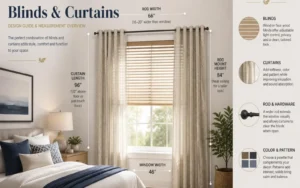


Smart homes are no longer a futuristic dream—they’re here and enhancing daily living experiences. Among the many innovations, smart curtains stand out as both practical and stylish. These motorized window coverings can be controlled via remotes, smartphone apps, and most impressively voice assistants like Amazon Alexa, Google Home, and Apple HomeKit.
But how do you actually integrate your smart curtains with these systems? This in-depth guide explains the benefits, setup process, commands, and troubleshooting tips for each platform, ensuring a smooth and effortless smart curtain experience.
Table of Contents
- Introduction
- What Are Smart Curtains?
- Key Features of Smart Curtains
- Benefits of Using Smart Curtains
- How Smart Curtain Works
- Why Integrate Smart Curtains with Voice Assistants?
- Integration with Amazon Alexa
- Integration with Google Home
- Integration with Apple HomeKit
- Comparison Table: Alexa vs Google Home vs Apple HomeKit
- Advanced Automation Ideas
- Scheduling & Routines
- Scene Integration
- Energy-Saving Automations
- Common Issues and Troubleshooting
- Future of Smart Curtains and Home Automation
- FAQs – Smart Curtains
- Conclusion
What Are Smart Curtains?
Smart curtains are motorized window treatments that can be opened, closed, or adjusted using wireless technology. They connect to home automation systems, allowing you to control them through apps, remotes, or voice assistants.
Key Features of Smart Curtains
- Motorized tracks for smooth, automated operation
- Remote and app-based control
- Voice assistant compatibility (Alexa, Google Home, Siri)
- Scheduling and routine settings
- Integration with smart lighting and climate control systems
Benefits of Using Smart Curtains
- Convenience: Operate curtains without leaving your seat.
- Energy Efficiency: Optimize natural light to reduce heating/cooling costs.
- Security: Schedule curtains to open and close when you’re away.
- Accessibility: Great for elderly users or people with mobility issues.
- Style & Modern Living: An advanced upgrade that enhances the smart home experience.
Why Integrate Smart Curtains with Voice Assistants?
While remotes and apps are useful, voice control takes convenience to the next level. Integration with Alexa, Google Home, or Apple HomeKit allows you to:
- Open/close curtains hands-free
- Set routines (e.g., “Good Morning” scene opens curtains, turns on lights, and adjusts thermostat)
- Control curtains remotely while traveling
- Increase energy efficiency by syncing curtains with light and temperature sensors
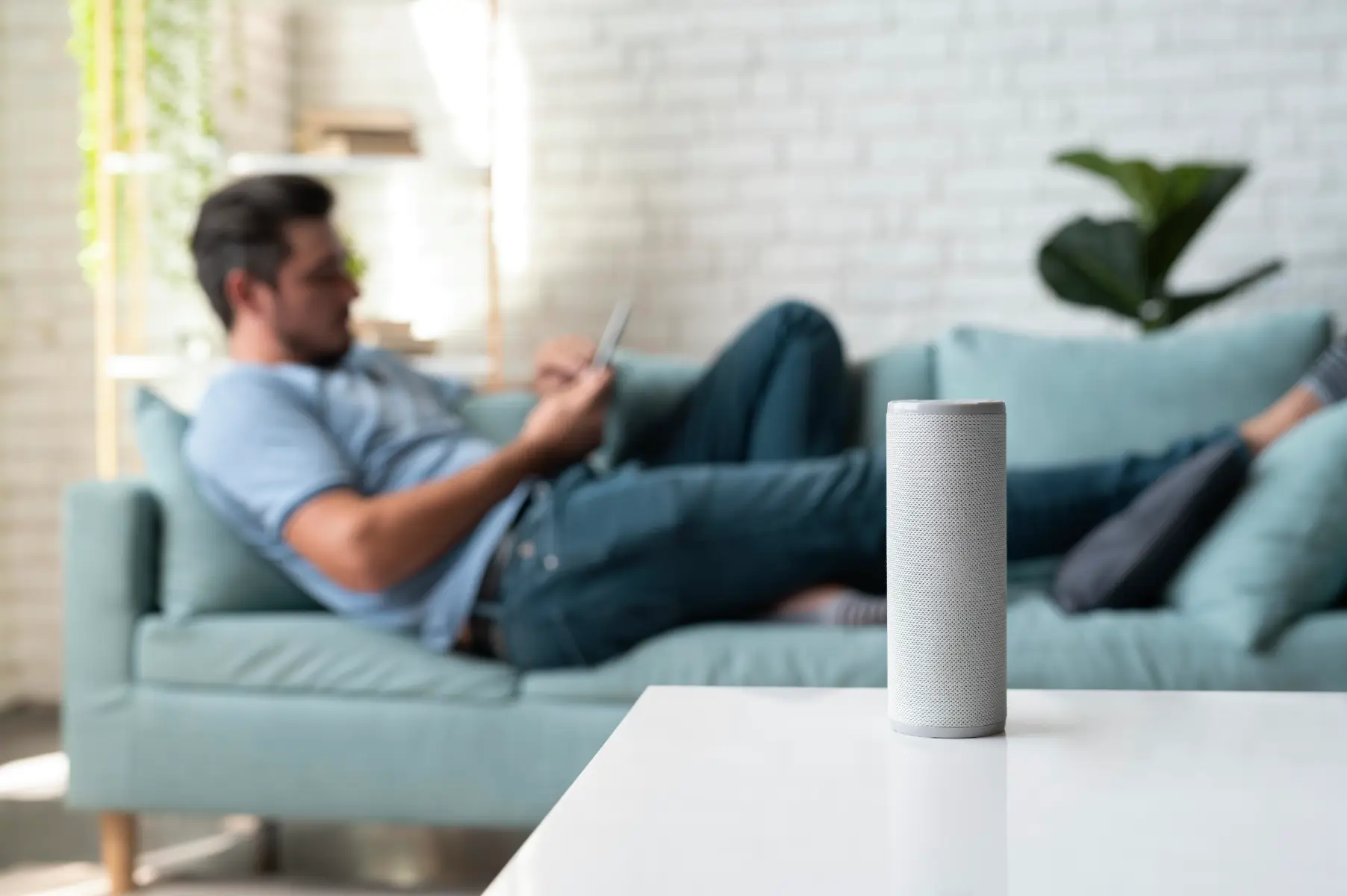
Integration with Amazon Alexa
Requirements for Alexa Integration
- Smart curtain with Alexa compatibility (via Wi-Fi or Zigbee bridge)
- Amazon Echo device (Echo Dot, Echo Show, etc.)
- Alexa app on a smartphone
Step-by-Step Setup with Alexa
- Install and set up your smart curtain system.
- Download the curtain manufacturer’s app and connect the device to Wi-Fi.
- Open the Alexa app and tap Devices > Add Device.
- Select Curtain/Blind from the list.
- Link your current brand’s skill in Alexa (e.g., Dooya, SwitchBot, Aqara).
- Sign in to your curtain account and authorize Alexa access.
- Alexa will detect your smart curtains and add them as controllable devices.
Voice Commands You Can Use
- “Alexa, open the living room curtains.”
- “Alexa, close the bedroom curtains.”
- “Alexa, set the dining curtains to 50%.”
- “Alexa, include curtains in Good Morning routine.”
Integration with Google Home
Requirements for Google Home Integration
- Google Nest Hub, Nest Mini, or Google Home device
- Smart curtains with Google Home support
- Google Home app installed
Step-by-Step Setup with Google Home
- Connect your smart curtain to their official app.
- Open Google Home app > Tap + Add > Set up device.
- Select Works with Google and search for your curtain brand.
- Log in to your curtain account and authorize Google Home.
- Assign curtains to specific rooms in the app.
Integration with Apple HomeKit
Requirements for Apple HomeKit Integration
- Smart curtains compatible with Apple HomeKit
- Apple HomePod, Apple TV, or iPad (as a hub)
- Home app on iPhone or iPad
Step-by-Step Setup with Apple HomeKit
- Set up your smart curtain in the manufacturer’s app.
- Open the Home app on iPhone/iPad.
- Tap + Add Accessory.
- Scan the HomeKit QR code on the curtain device or packaging.
- Assign curtains to a room and customize automation.
Comparison Table: Alexa vs Google Home vs Apple HomeKit
| Feature | Alexa | Google Home | Apple HomeKit |
| Ease of Setup | Simple with skills | Easy via Google Home app | Requires QR code scan |
| Voice Commands | Wide range | Natural language | Highly personalized |
| Smart Routines | Excellent | Strong | Best for Apple ecosystem |
| Device Compatibility | Extensive | Very broad | Limited but secure |
| Best For | Multi-device households | Android users | iOS users & Apple fans |
Advanced Automation Ideas
Scheduling & Routines
- Morning: Curtains open automatically at sunrise.
- Evening: Curtains close with lights dimmed.
- Vacation Mode: Random opening/closing to simulate presence.
Scene Integration
- Movie Time Scene: Curtains close, lights dim, TV turns on.
- Good Morning Scene: Curtains open, lights brighten, coffee machine starts.
- Work From Home Scene: Adjusts natural light while syncing with thermostat.
Energy-Saving Automations
- Close curtains during peak sun hours to reduce cooling costs.
- Open curtains in winter mornings to warm rooms naturally.
- Sync curtains with smart thermostats for climate optimization.
Common Issues and Troubleshooting
- Curtains not responding: Check Wi-Fi or hub connection.
- Voice assistant can’t find device: Re-link the curtain app with Alexa/Google/Apple.
- Commands not working: Use exact phrases supported by the assistant.
- Delayed response: Reduce interference by placing hubs closer to curtain motors.
Future of Smart Curtains and Home Automation
The future of smart curtains resides in more advanced AI-powered automation. Expect:
- AI-powered light sensors that auto-adjust curtains based on natural light.
- Energy usage analytics integrated with curtains.
- Cross-platform compatibility where Alexa, Google, and Siri work seamlessly together.
- Eco-friendly smart fabrics for sustainable living.

FAQs – Smart Curtains
Q. Do smart curtain work without Wi-Fi?
Some models work via Bluetooth or remote, but Wi-Fi is needed for voice assistants.
Q.Which is better for smart curtains: Alexa, Google, or Siri?
It depends on your ecosystem—Alexa for wide compatibility, Google for Android users, Siri for Apple lovers.
Q. Can I schedule my smart curtains?
Yes, schedules and routines can be set via apps or voice assistants.
Q. Can I install smart curtains myself?
Some systems are DIY-friendly, but professional installation ensures smooth operation.
Q. Do smart curtain works with multiple assistants at once?
Some brands allow cross-platform integration, but compatibility varies.
Q. How long do smart curtain motors last?
With proper maintenance, most last 5–10 years.
Conclusion
Integrating smart curtains with Alexa, Google Home, and Apple HomeKit is a game-changer for modern living. Whether you’re hands-free controlling your curtains, setting morning routines, or syncing them with your thermostat, the benefits are endless.
We help customers adopt innovative smart home solutions that enhance comfort, style, and energy efficiency. With the right setup, smart curtains become more than just window coverings—they become an integral part of your smart lifestyle.